

Identify the traffic your provider actually bills
Open your provider's plan or node rules and find three things: whether upload counts, which nodes have a multiplier, and whether that multiplier can change during the billing period. A node label is a useful clue, but the provider's current billing terms determine the charge. Hiddify can show client traffic, but its counter may cover a different period or include different traffic than the provider's account ledger.
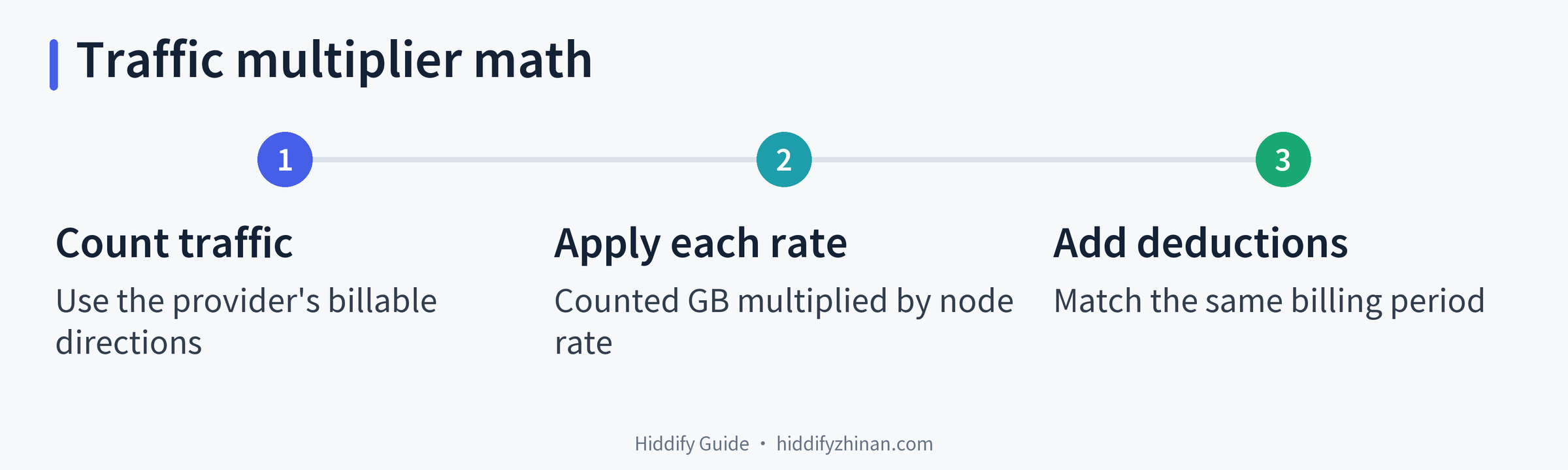
Suppose a provider counts both directions. You download 4 GB and upload 1 GB through a 2× node. Counted transfer is 5 GB, so the allowance deduction is 5 × 2 = 10 GB. If your provider counts only one direction, replace 5 GB with that provider's counted amount. This is an arithmetic example, not a measured bill from any service.
The public XBoard traffic job illustrates one implementation that applies a node rate to upload and download before updating usage. It cannot establish the policy, software version, or settings of your own provider.
Calculate a remaining allowance or a mixed-node bill
Use the same unit throughout: allowance deducted = provider-counted traffic × that node's multiplier. If you remain on one node at a fixed multiplier, divide the remaining allowance by the multiplier to estimate how much counted traffic it can cover.
| Node multiplier | Deduction for 10 GB counted | Counted traffic covered by a 100 GB balance |
|---|---|---|
| 0.1× | 1 GB | 1,000 GB |
| 0.5× | 5 GB | 200 GB |
| 1× | 10 GB | 100 GB |
| 2× | 20 GB | 50 GB |
These are mathematical limits, not a promise that you can use that much before the plan expires, resets, or reaches another cap. Upload consumes part of the estimate whenever the provider bills it.
If you use several nodes, calculate each segment separately. For example, 8 GB counted on a 0.5× node deducts 4 GB; 3 GB on a 2× node deducts 6 GB. Together you transferred 11 GB of counted traffic and used 10 GB of allowance. Their effective multiplier is 10 ÷ 11 ≈ 0.91×. Taking the simple average of 0.5 and 2 would give the wrong bill because the two nodes carried different amounts of data. Time spent connected to each node is not enough to calculate the weighted rate.
Reconcile an unexpected usage figure
Before running another large speed test, compare two readings from your provider account for the same billing period and note when you took them. Then work through the likely sources of the difference:
- Convert all figures to one unit and compare the same start and end times. A client counter since the last app start cannot directly explain a provider's monthly total.
- Add billable uploads, other devices, background sync, and subscription or app updates that used the account during that window.
- List the nodes you used and the rate that applied at the time. If rates changed by time of day, today's displayed multiplier cannot price yesterday's transfer.
- Allow for any reporting delay described by your provider. If the difference remains material, send support the time range, node names, and redacted before-and-after account readings.
A device's network-adapter counter may include direct traffic that never used the proxy. Without per-node usage records, call your calculation an estimate; do not invent a precise split to force it to match the bill.
Plan a download without spending the whole balance
Estimate the counted size of a large transfer, multiply by the planned node's rate, and leave room for uploads and background activity. With 10 GB left, a 2× node covers at most 5 GB of counted transfer. A download close to 5 GB could exhaust that allowance once the other traffic is added.
A higher multiplier does not guarantee a faster connection, and a lower one does not prove instability. Pick a node that works for the task, then compare actual performance on the same device and network if speed matters. Repeated full-speed tests spend allowance too. For broader account and client tasks, see the English article index and Hiddify guides. If pages fail to open, use connection troubleshooting; this billing formula cannot diagnose a failed connection.