

Compare the entire node, not just its label
A provider may offer “VLESS + REALITY” and “Trojan + TLS.” VLESS and Trojan name the protocols; the rest describes other parts of the connection. A client that displays a node has imported its description, but that alone does not prove the selected combination can connect to its server.
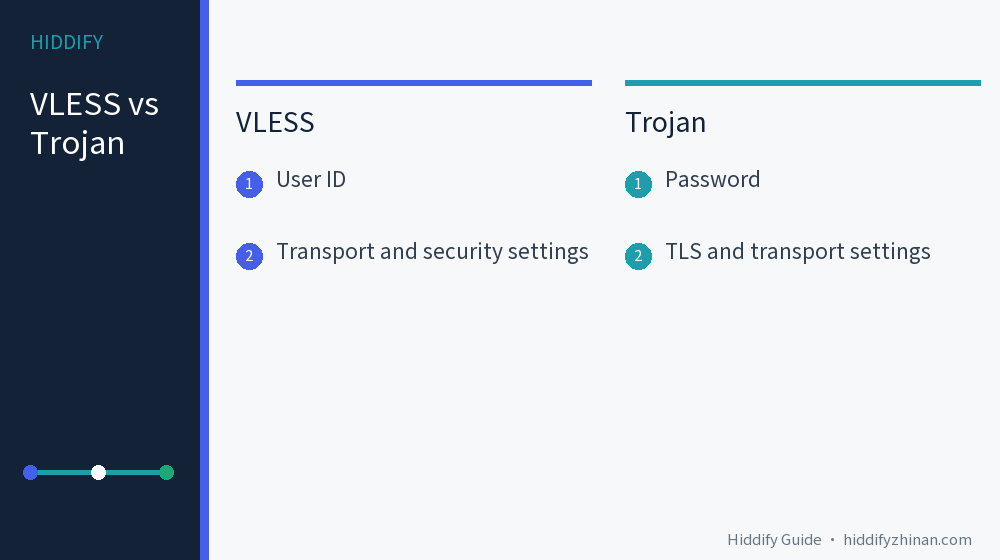
| Check | VLESS node | Trojan node |
|---|---|---|
| Authentication | User ID, commonly a UUID | Password |
| Security configuration | Check the supplied TLS, REALITY, or VLESS Encryption combination | Check TLS and any server-required settings |
| Compatibility | Check client/core version, transport, security, and flow where supplied |
Check client/core support, transport, and TLS parameters |
| Speed from protocol name alone | Cannot be determined | Cannot be determined |
The ID and password are not interchangeable. Import the complete subscription through your provider's supported route and keep its fields together. Copying a VLESS ID into a Trojan password box, or mixing a node's security settings with another node, will not create a valid configuration. The Xray VLESS outbound reference and Trojan outbound reference describe these fields for Xray; another client or core may support a different subset.
Why “VLESS has no encryption” is incomplete
Current Xray documentation includes a VLESS encryption field and documents VLESS Encryption. Older blanket advice that VLESS can never provide encryption is therefore wrong for current Xray configurations. If a node's encryption value is none, you still need to inspect its transport security and context; one field does not describe the protection of the entire path.
The Xray VLESS security guidance places conditions on using no transport security, including trusted private-network situations or use of VLESS Encryption. For an ordinary subscription, keep the combination supplied by the provider and confirm your client supports it. Do not switch a public node's security setting to none because an old example appears to work elsewhere. Xray's current feature list does not prove that every client or core has implemented it.
Trojan normally uses TLS in its documented configuration. A domain, certificate check, or other server requirement can decide whether the connection succeeds. The Xray Trojan reference also describes a narrow trusted-private-network exception; it is not a reason to disable TLS or certificate checking for a public subscription. If verification fails, check the provider's correct parameters and supported client version.
Choose the node that completes your task
First read the provider's supported-client and version notes. With both node types in your imported subscription, try each on the same device, network, and destination. Wait for the connection state, then open a site or app you actually need. Record a timeout, repeated video buffering, or a transfer that stops; an imported node name or latency value by itself is not a successful-use check.
If both work, choose from your observed stability and performance for that task. Their routes or server load may differ, so a one-node comparison cannot establish that “VLESS is always faster than Trojan” or the reverse. If an older device supports only one complete combination, use the working one until you have a supported upgrade path. Keep the earlier usable profile or settings while you test.
If a node fails, preserve the useful evidence
Record your client and core version, the protocol plus transport and security combination, the failure time, and the exact error text. Redact passwords, IDs, private subscription URLs, and QR codes before sharing a log or screenshot. Ask the provider whether that complete combination is supported by your current client and whether the subscription needs an update.
Restore the earlier working choice before making another change. Changing port, transport security, and flow at once makes the result hard to interpret. If you need to recheck import or connection, use the Hiddify guides and connection troubleshooting. The English article index covers other client questions.